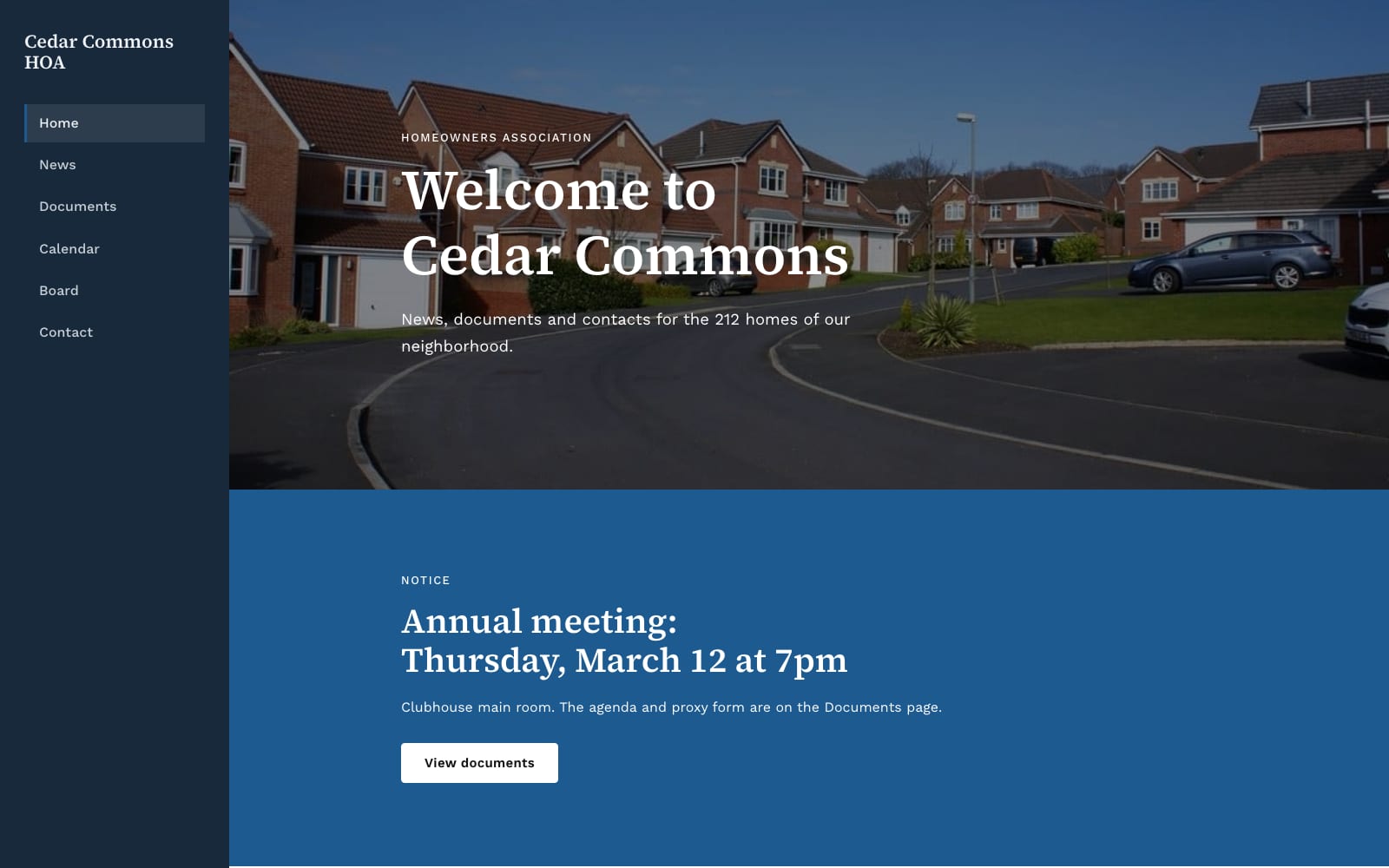
Google Sites Template for Homeowners Associations
FreeCommons · Google Sites template
Every template is free during our launch testing period. Browse templates
Community organizations run on volunteers and small budgets, and their websites tend to stall when the one person who knows how to update them moves on. Google Sites avoids that. Anyone you add as an editor can update a page with the same skills they use for Google Docs, and there is no hosting invoice for the treasurer to approve.
These templates cover what members and supporters look for: who you are, what is coming up, how to join or donate, and where to find documents such as minutes, bylaws or newsletters. Shared Drive folders and Google Calendars embed directly, so the site stays current when the underlying files change.
Choose a template and click “Get This Template”. It is free.
Open the template and make a copy. The copy is saved to your own Google Drive.
Replace the text and photos with your own, then click Publish.