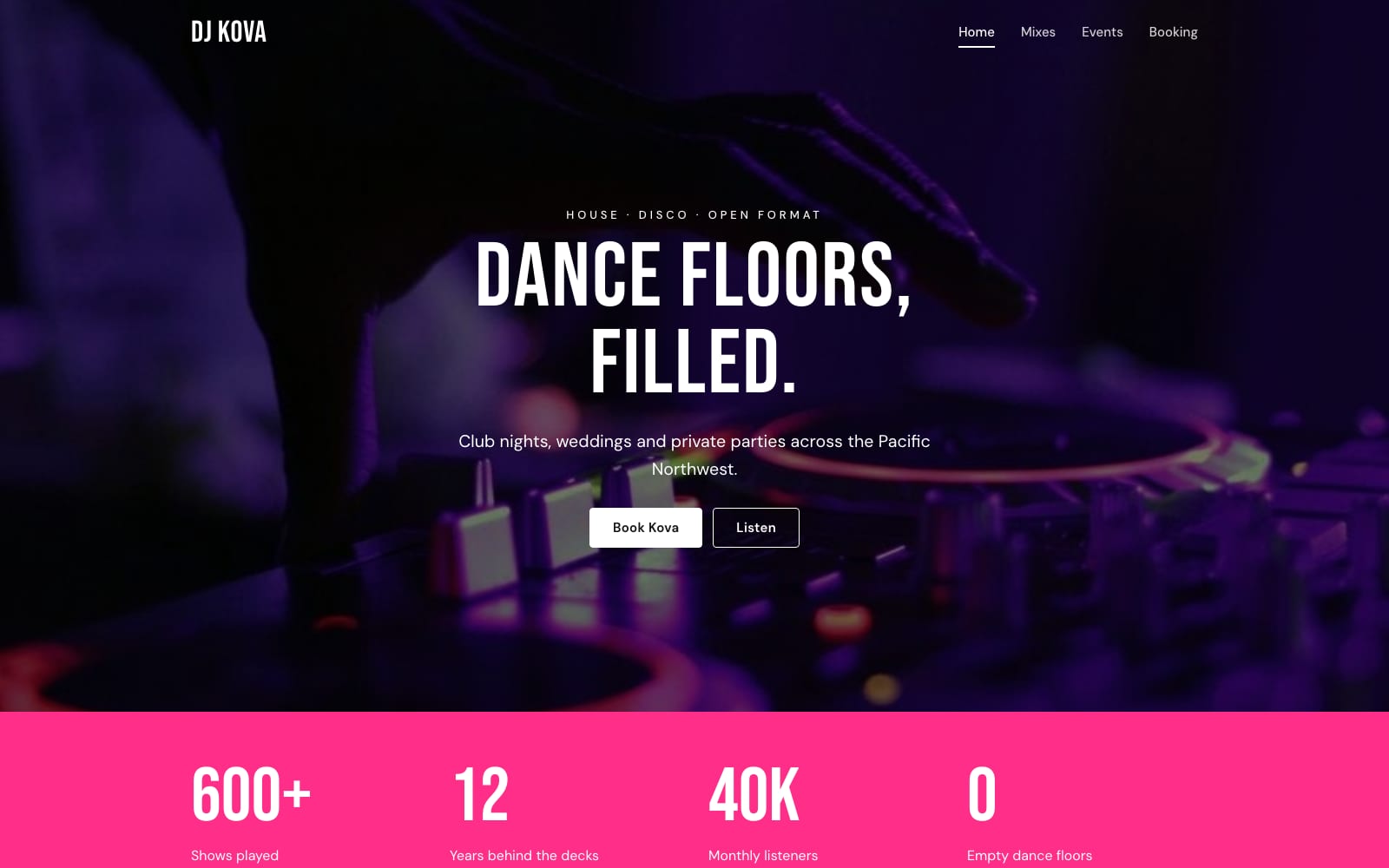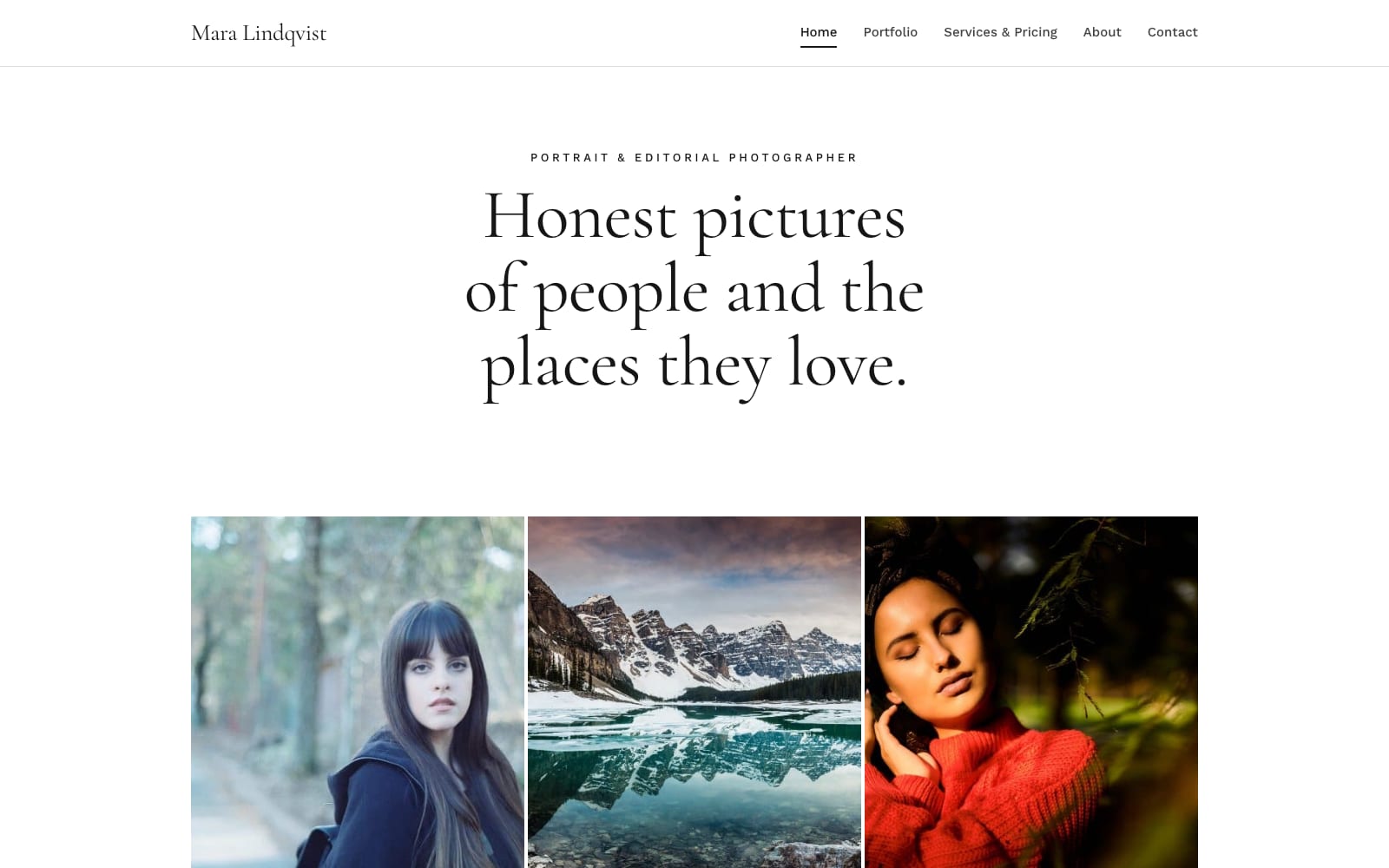
Google Sites Template for Photographers
FreeAperture · Google Sites template
Every template is free during our launch testing period. Browse templates
A portfolio has one job: put the work in front of the right person with as little in the way as possible. Google Sites suits that. Image carousels and galleries pull photos straight from Google Drive, YouTube videos and audio embed in a click, and the layout adapts to phones without extra work.
The templates in this category keep text short and images large. Each one includes a work or gallery page, an about page, and a booking or contact page, so a client who likes what they see can get in touch on the spot. Updating the site later is as simple as dropping new photos into a section.
Choose a template and click “Get This Template”. It is free.
Open the template and make a copy. The copy is saved to your own Google Drive.
Replace the text and photos with your own, then click Publish.