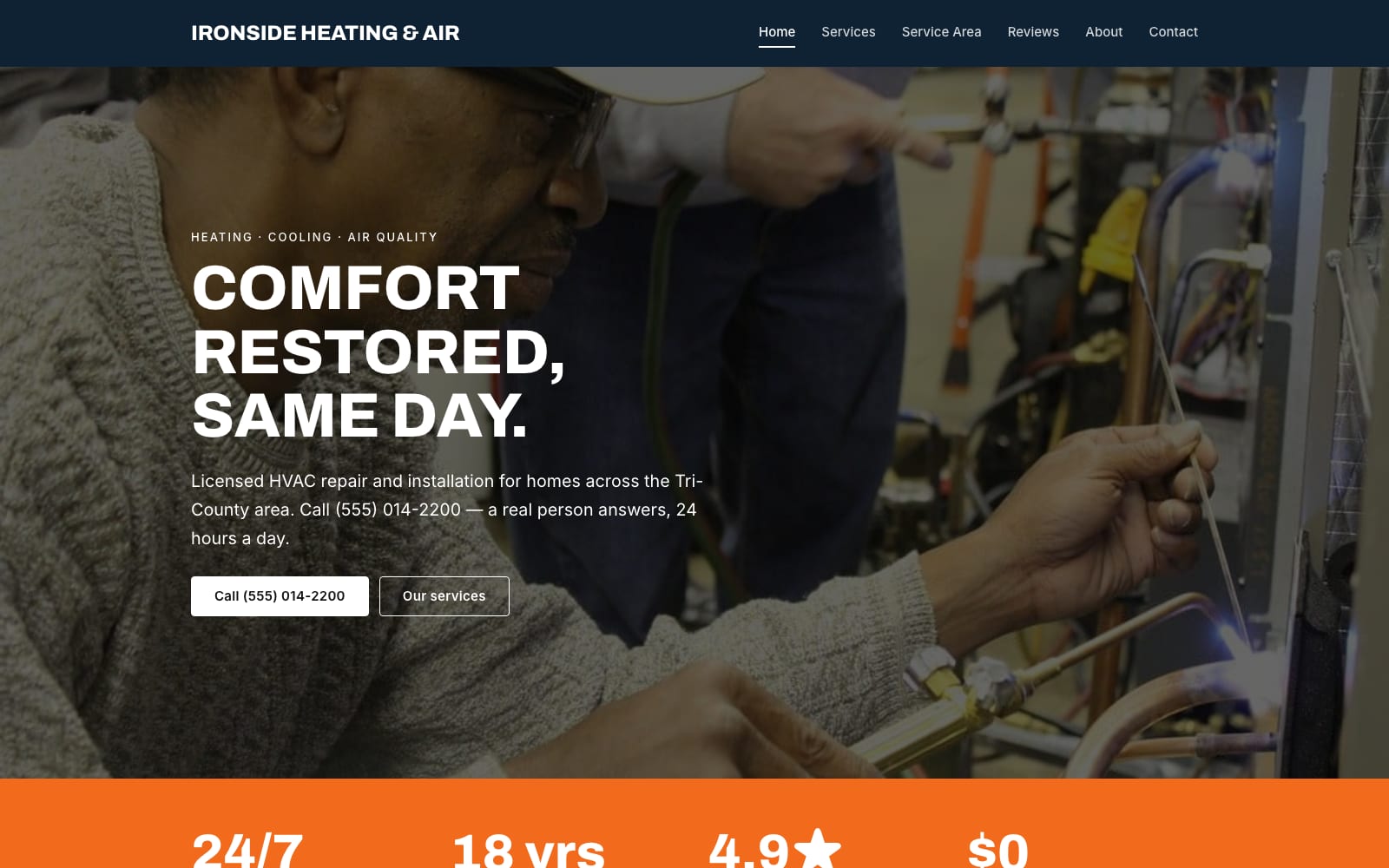
Google Sites Template for HVAC Contractors
FreeIronside · Google Sites template
Every template is free during our launch testing period. Browse templates
Most customers looking for a local service want three answers fast: what you do, where you work, and how to reach you. A Google Site handles that well. You can list your services, show your service area with an embedded Google Map, add a click-to-call button, and collect quote requests with a Google Form that drops straight into a spreadsheet.
These templates are laid out for trades and home services, with a clear services section, room for reviews and photos of finished jobs, and a contact page built around the phone number. Because Google hosts the site for free, a seasonal or one-person business does not carry a monthly website bill.
Choose a template and click “Get This Template”. It is free.
Open the template and make a copy. The copy is saved to your own Google Drive.
Replace the text and photos with your own, then click Publish.