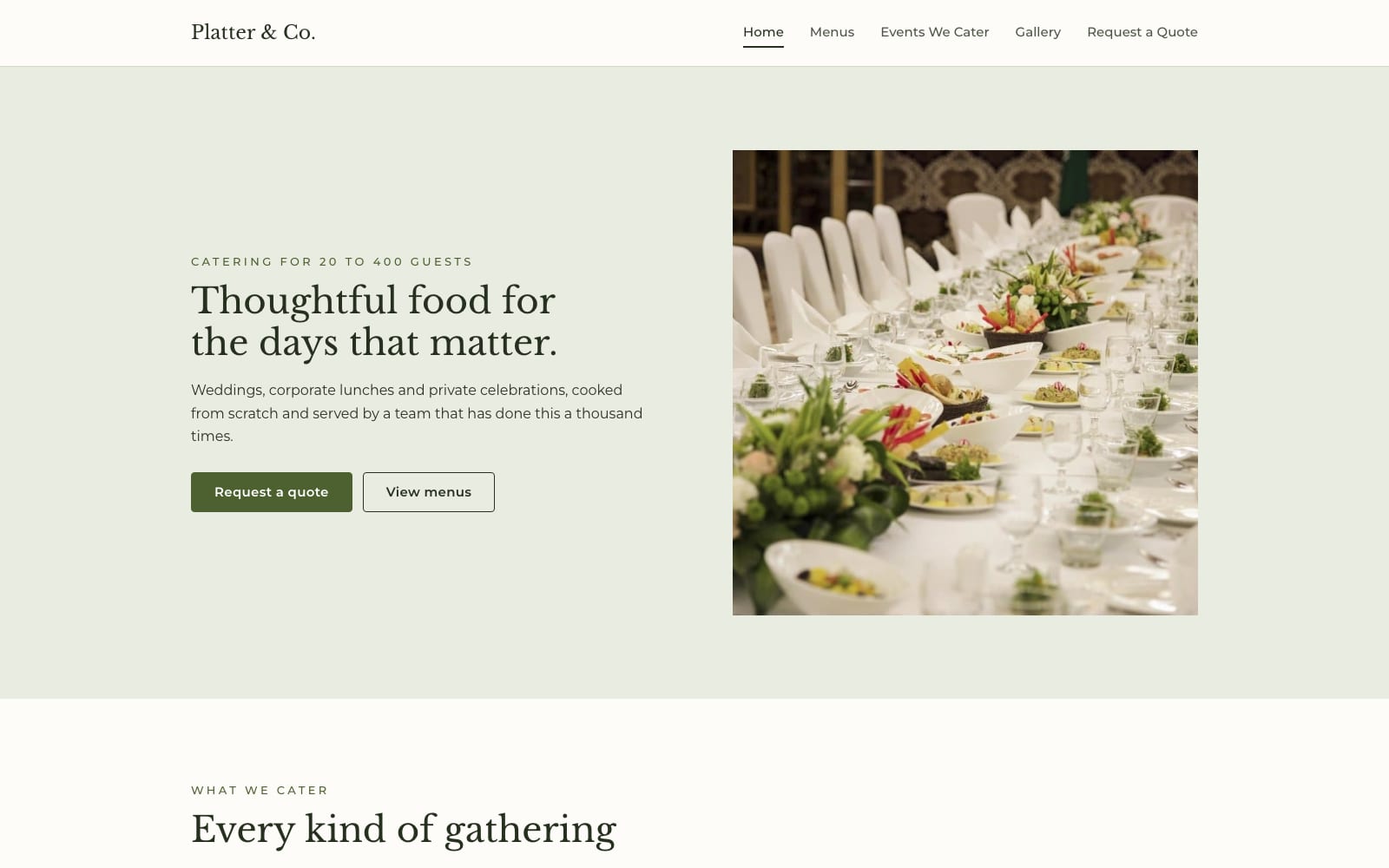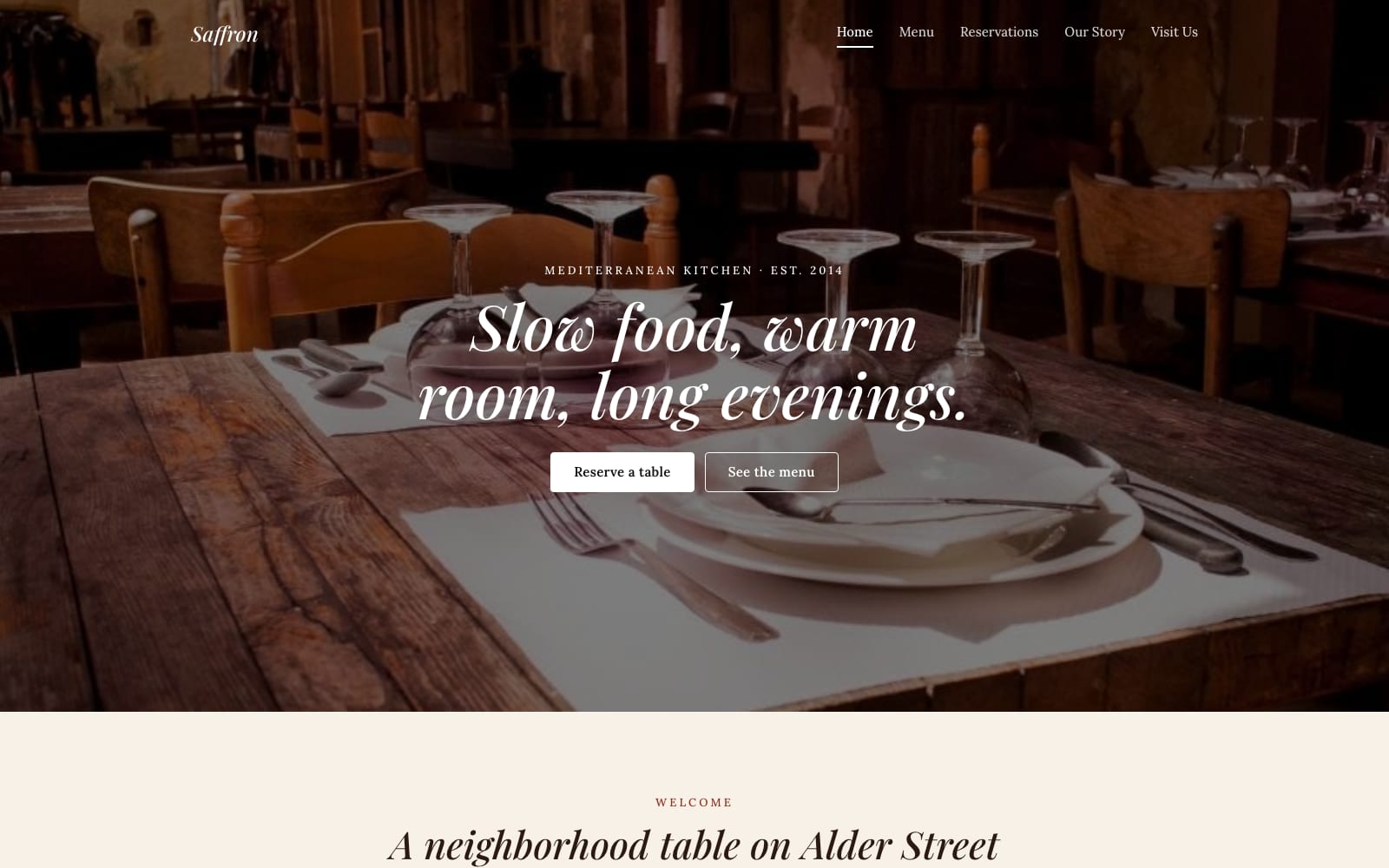
Google Sites Template for Restaurants
FreeSaffron · Google Sites template
Every template is free during our launch testing period. Browse templates
People visit a restaurant website to check the menu, the opening hours and the address, usually on a phone and often minutes before deciding where to eat. Google Sites lets you keep those three things current yourself: edit the menu like a document, embed a Google Map, and link your reservation or ordering page with a button.
These templates put the menu and hours within one tap of the home page, with space for food photography and a short story about the kitchen. A menu kept in Google Docs or Sheets can be embedded so that a price change in the document shows up on the site automatically.
Choose a template and click “Get This Template”. It is free.
Open the template and make a copy. The copy is saved to your own Google Drive.
Replace the text and photos with your own, then click Publish.